
How it works
A putting green is a surface. Measure it, and the putt is arithmetic.
GreenScanner uses the LiDAR scanner in Pro iPhones the way a surveyor would, then rolls a simulated ball over what it measured. Here is each step in plain words, with the numbers that matter.
01
Scan the putt, not the green
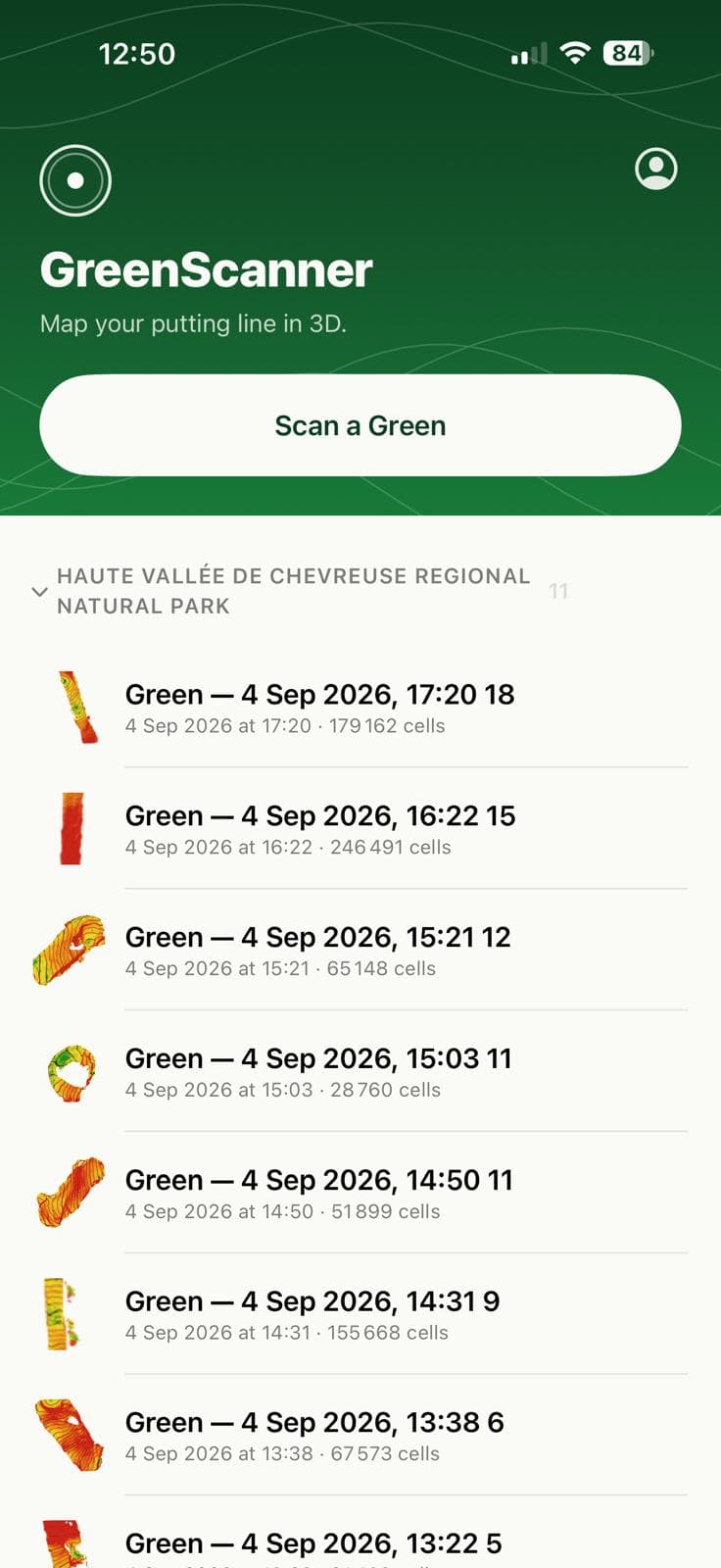
You scan the corridor the ball will travel: from the ball to the hole and a couple of metres either side. Whole-green scans take longer and put the accuracy where you do not need it.
The phone records raw depth frames, 256 × 192 pixels at about fifteen a second, together with the camera’s position. Each pixel is projected into a grid fixed to the ground and aligned to gravity, so “up” in the map is true vertical. That alignment is what makes slope meaningful.
Pixels are only accepted when the sensor is confident, the range is between 0.3 and 3.5 m, and the ray hits the ground steeply enough to avoid grass-canopy bias. Feet, the flagstick and the horizon are rejected before they reach the map.
Walking the scan
- — Point the phone about a metre ahead, tilted around 45°.
- — Walk slowly out to the hole and back to the ball. Re-seeing the early cells is what lets the app cancel position drift.
- — Keep some background in frame now and then: the flag, the fringe, a bunker edge.
- — Finish between 45 and 75 seconds. Longer scans accumulate drift faster than they add samples.
02
A centimetre of noise, averaged down to a millimetre
A single LiDAR sample is good to about ±1 cm. The map is built from 1.5 cm cells, and over a scan each cell collects a hundred or more samples. Averaged, that random noise falls to roughly a millimetre, which is what it takes to see a half-percent change of slope over half a metre.
Random noise is the part averaging fixes. Systematic error — the phone’s sense of vertical, drift that accumulates as you walk — does not average away, and today it is the larger of the two. See Accuracy for exactly where that stands.
Each cell keeps a small histogram before it trusts its samples, so a foot or a flagstick passing through lands as a rejected outlier rather than a bump. The phone’s own position drifts by a few centimetres over a minute of walking; every frame is registered against the cells it has already seen and the vertical drift is subtracted before the frame is fused.
When you finish, the map is smoothed just enough to fill pinholes without flattening real breaks, and anything larger stays a gap: the app never paints surface it did not see.
Reading the colours
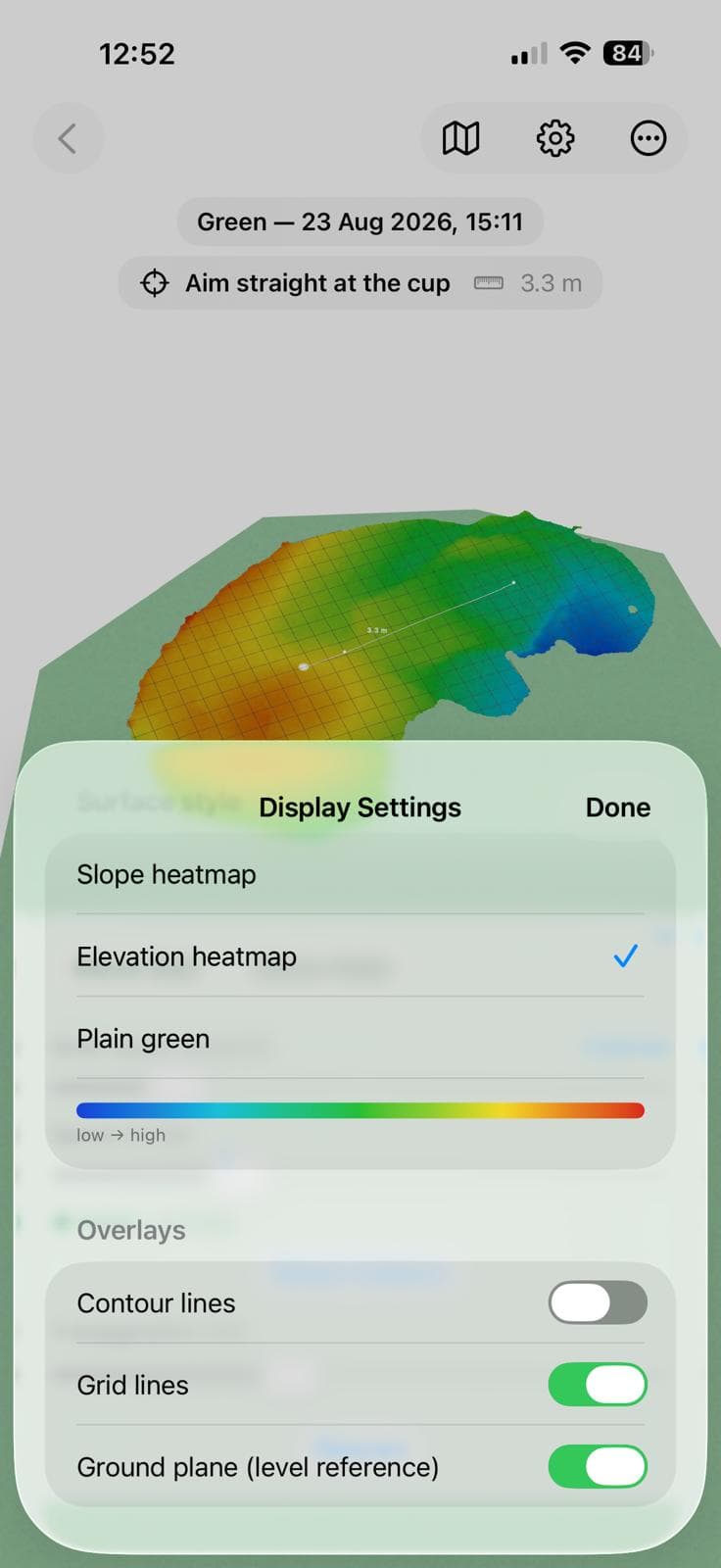
Slope. Contour lines every centimetre of height, bold every five. Tight lines mean a fast break.
Elevation, for when you want to see where water would run.
Both live under Display Settings, with a plain green for when you only want the line. Contour lines, the grid and the level ground plane are toggles.
03
A ball is rolled a thousand times a second
The putt is simulated as a rolling sphere on the measured surface: gravity pulls it down the local slope, rolling resistance slows it, and the five-sevenths factor for a rolling ball’s inertia is in there too. The integration runs at a thousand steps a second on your phone.
a = −(5⁄7) · g · (∇h + ρ · v̂)
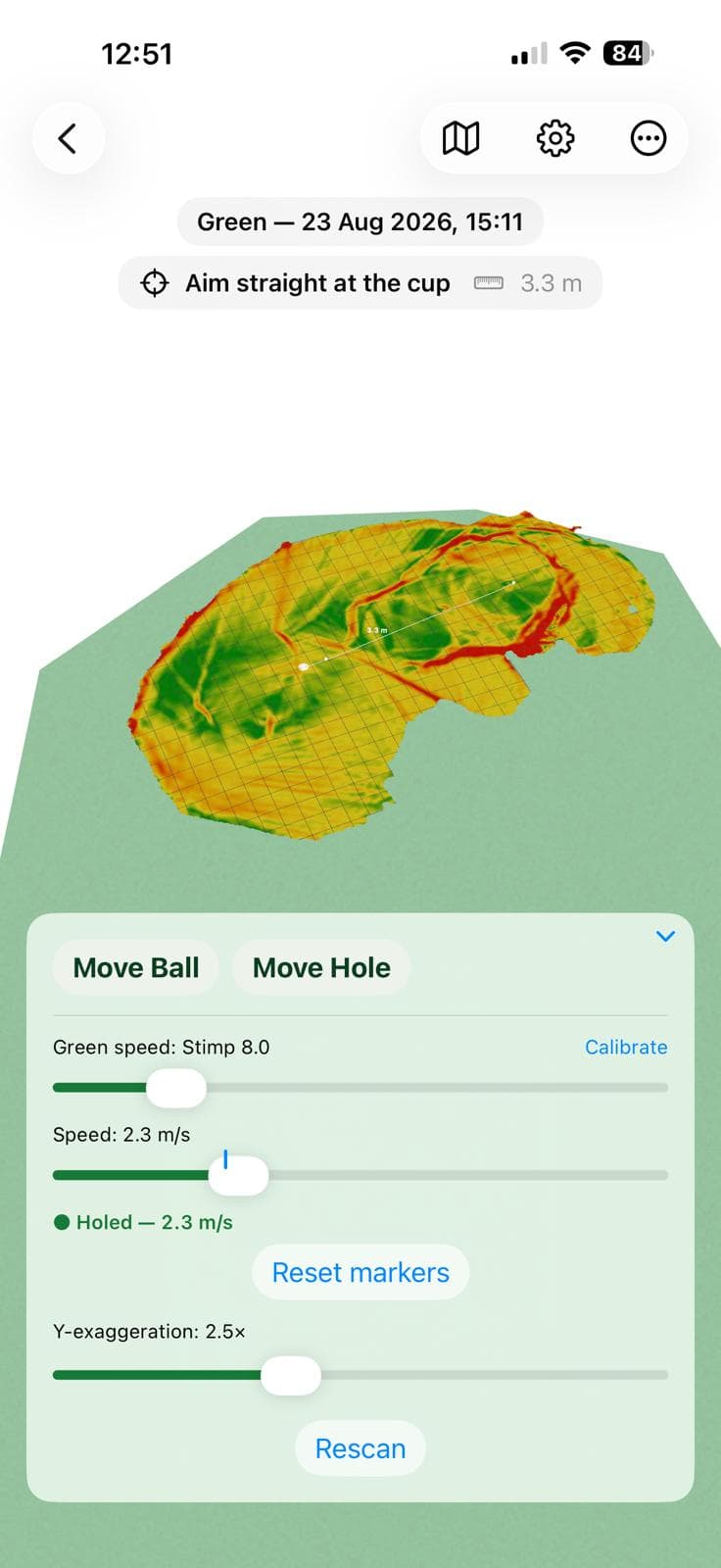
Rolling resistance ρ comes from green speed. A Stimpmeter releases a ball at a known speed and measures how far it rolls; set the Stimp on the slider, or calibrate it in a minute against a real putt, and ρ follows from that definition rather than a guess.
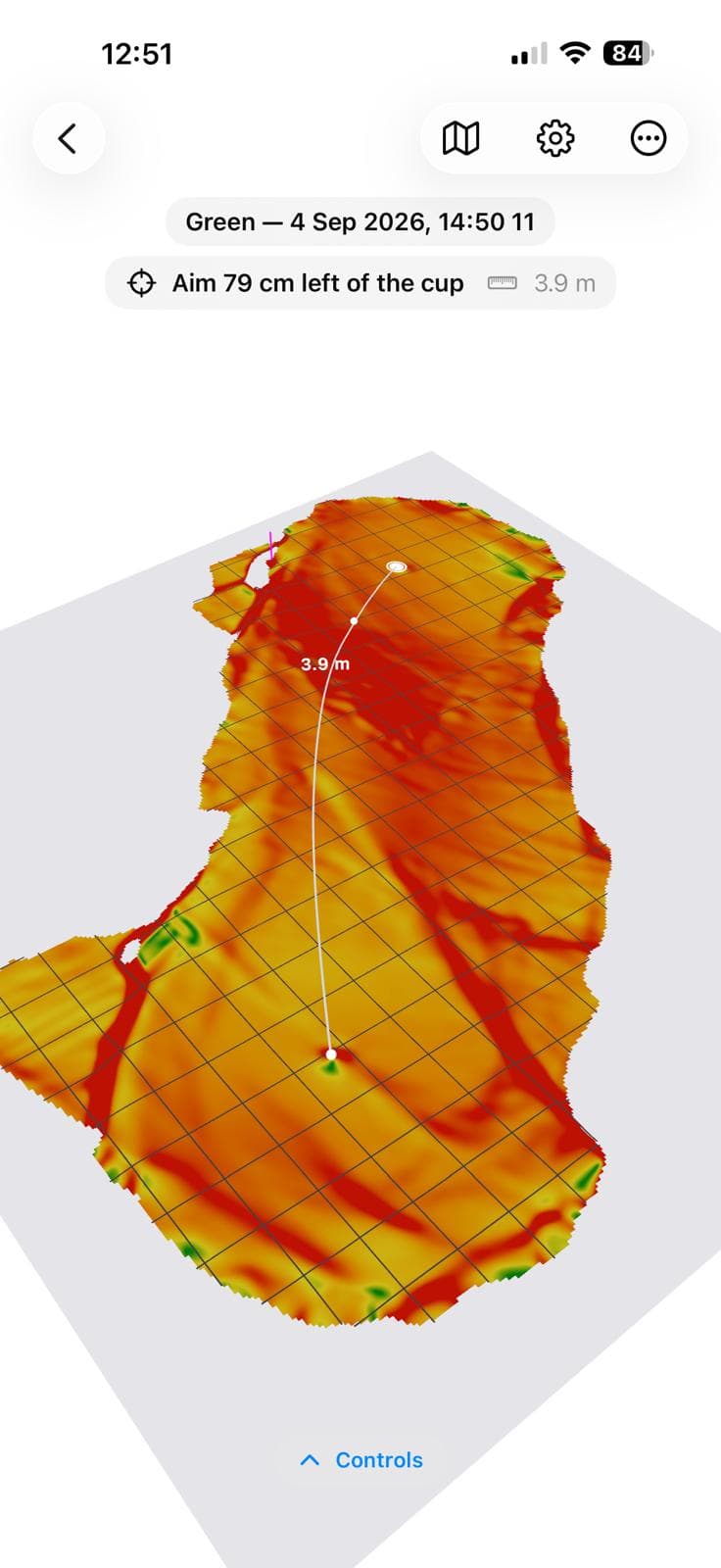
For the speed you choose, the app searches the aim that brings the ball to the cup and draws the path: white when it drops, orange with a stop marker when it does not. The cup captures a ball inside a 5.4 cm radius unless it is going too fast for where it enters, so a firm putt lips out exactly as it should.
The instruction is written the way a caddie would say it: “Aim 16 cm right of the cup.”
Accuracy
Tested in three tiers, and we publish where it stands.
The tiers, the pass lines and the current results are all public in the app’s repository — including the one that has not passed. Tier one passes comfortably. Tier two does not yet: on a floor we know to be level, the map reports a slope that is not there. So read the shape of a green with confidence and treat the absolute uphill-or-downhill number as indicative. That is a real limitation, it is the thing being worked on now, and you should know about it before you trust a putt to it.
01
Synthetic ground truth
Before any device work, the fusion pipeline is run against rendered depth frames of surfaces with known shape: a flat plane, an exact 2 % incline, a 2 cm ripple, a plane with a regulation cup, all with realistic noise, walking drift and a pair of feet in the way.
Flat plane recovered to 0.32 mm RMS; a 2 % incline recovered as 2.008 %; drift removed to 0.37 mm.
02
Flat floor on a real phone
A level-verified indoor floor is scanned for 45 seconds and exported. The residual from a fitted plane, the bow over three metres and the tilt against gravity are measured, three times, to check repeatability.
Pass line: residual under 3 mm, bow under 5 mm over 3 m, tilt under 0.15°. Not passing yet — a level floor currently reads 2.5–3.6 % of slope and the map bows 12–27 mm. Being worked on.
03
Known incline, then a real green
A board at an inclinometer-measured angle checks absolute slope. Then two back-to-back scans of the same corridor on a real green are aligned and differenced cell by cell.
Pass line: slope within 0.15°; two scans agree to under 5 mm at the 95th percentile, slope fields correlate above 0.95. Not reached: tier two gates it.
What limits it
- Gravity alignment. The phone’s sense of vertical is good to about a tenth of a degree, which puts a floor under absolute uphill-or-downhill. The shape of the break is unaffected by a constant tilt.
- Position drift. Corrected per frame, bounded by the out-and-back walk and the scan length cap. The quality report shows what was left.
- Grass itself. LiDAR reads the top of the canopy. A uniform offset is harmless because slope is a difference; the two-scan repeatability test is there to catch anything that is not uniform.
Courses
It knows which green you are standing on
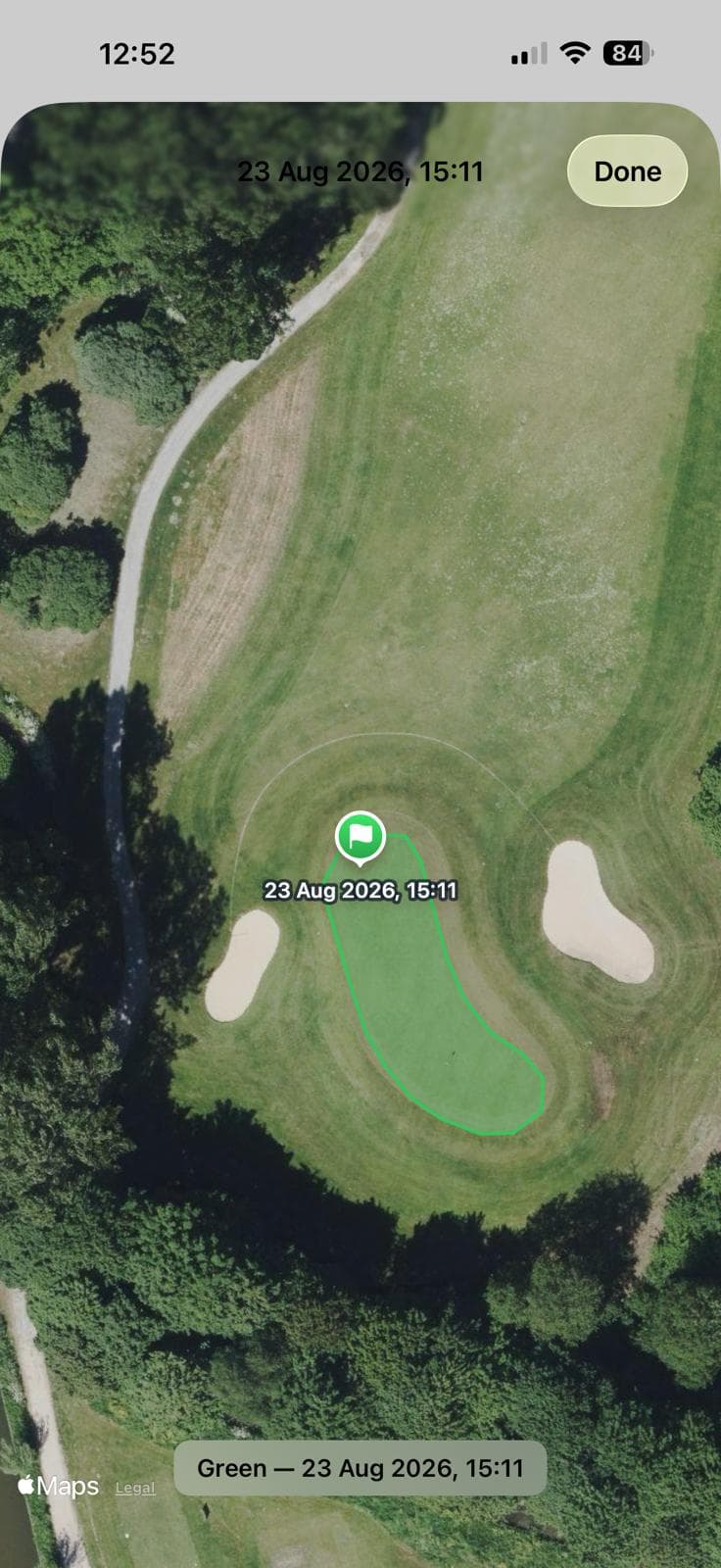
Every Dutch golf course mapped on OpenStreetMap is harvested nightly into a small database: greens, fairways, bunkers, and the hole each green belongs to. When you save a located scan the app asks for the nearest green and prefills the name, “Golfclub Broekpolder — Hole 12”.
The same outline is drawn under the 3D scan at true size and orientation, using compass readings taken during the scan, as a level reference plane. If a scan resolves to a green already in your library, that identity, not GPS scatter, decides which entry it merges into.
None of this is required. With no connection, or on a course nobody has mapped yet, everything degrades to plain names and a plain rectangle and the scan is exactly as accurate.
Requirements
What you need
- Device
- iPhone 12 Pro / Pro Max or any later Pro model. The LiDAR scanner is essential, so non-Pro models cannot scan. iPhone only: an iPad Pro has the same sensor, but the app is built to be held upright in one hand and the iPad layouts do not exist yet.
- System
- iOS 18 or later. Portrait orientation.
- Permissions
- Camera, for the LiDAR and the video the detectors use. Location while in use, optional: it identifies the green and course you are on, so the scan is named after the course, the green's outline is drawn around it, and your scan can be pooled with other golfers' scans of the same green.
- Connection
- Not needed to scan. Needed at save time for course names and outlines.
- Storage
- A saved green is a few megabytes, thumbnail included. Everything stays on the device.
- Where
- Course names and outlines currently cover the Netherlands. Scanning works anywhere there is a green.
Ready to read a green?
The source is open, the numbers are public, and the practice green is waiting.