
LiDAR green mapping for iPhone
Read the green.
Hole the putt.
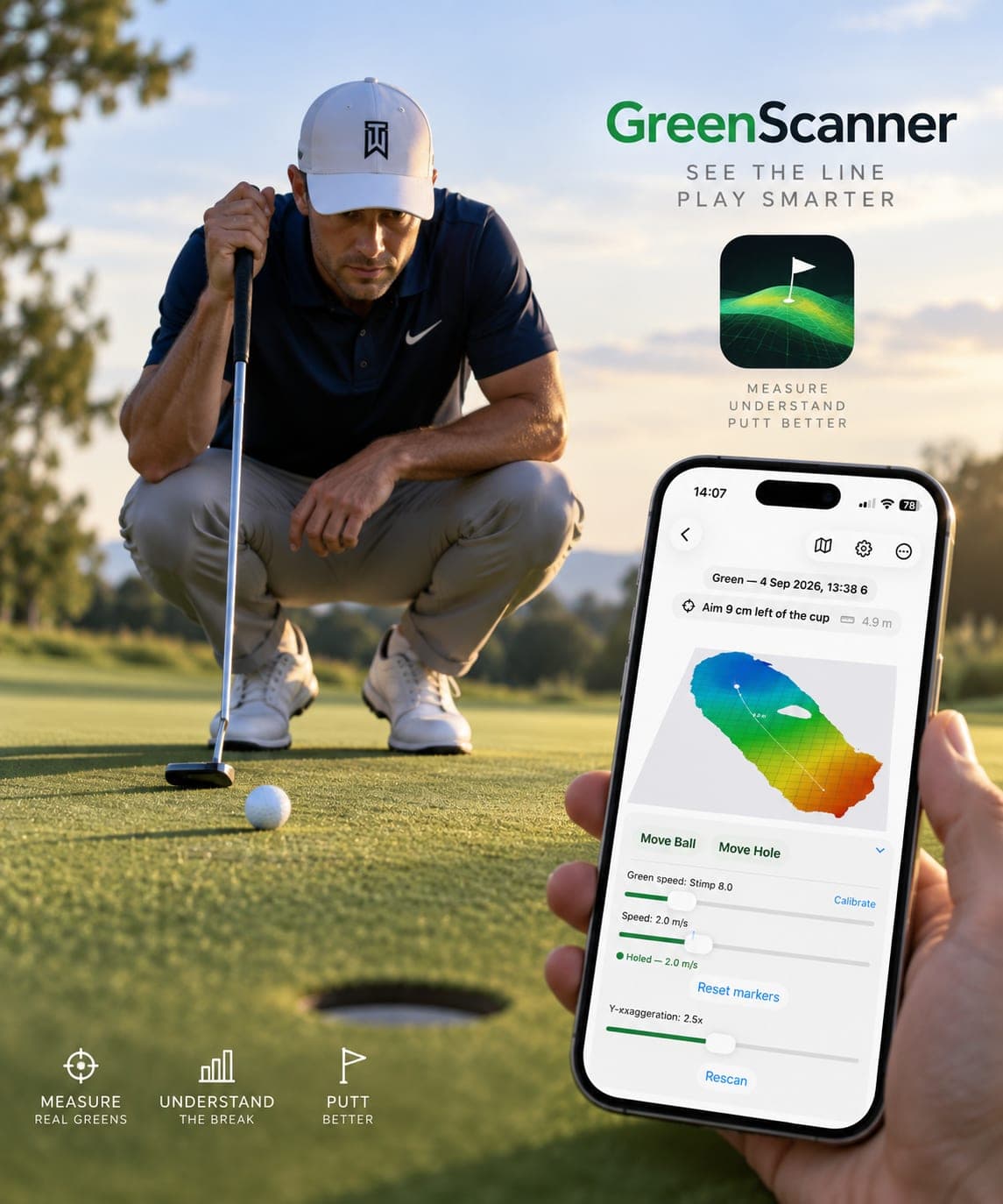
GreenScanner scans the putt in front of you with your iPhone’s LiDAR, turns it into a green you can turn in your hand, and shows the line and speed that drop it.
Needs an iPhone Pro with LiDAR on iOS 18. For practice, not competition.
How it works
Scan. Map. Aim.
01
Scan the putt
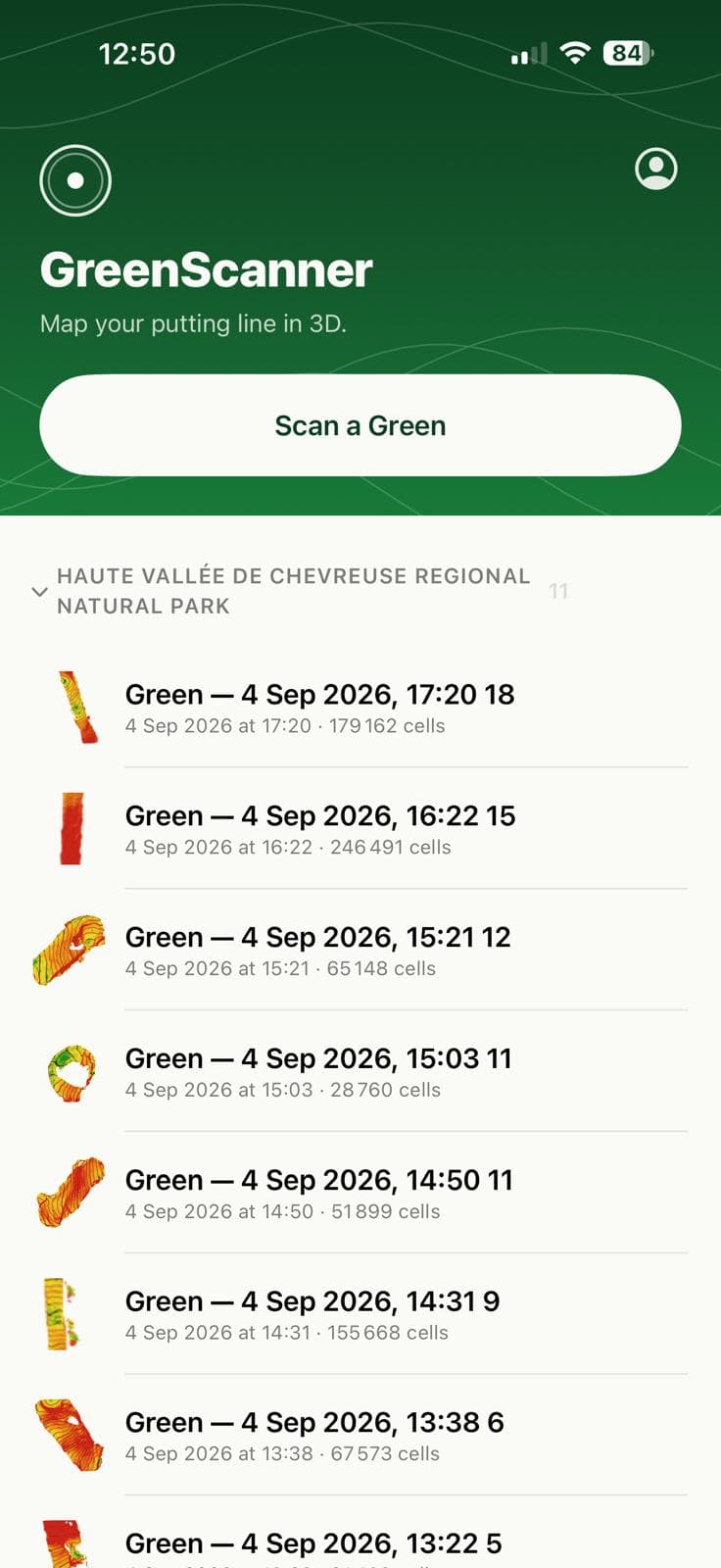
Walk the line from ball to hole and back with the phone pointed at the grass. LiDAR captures fifteen depth frames a second while you paint the surface on a small map.
02
See the green
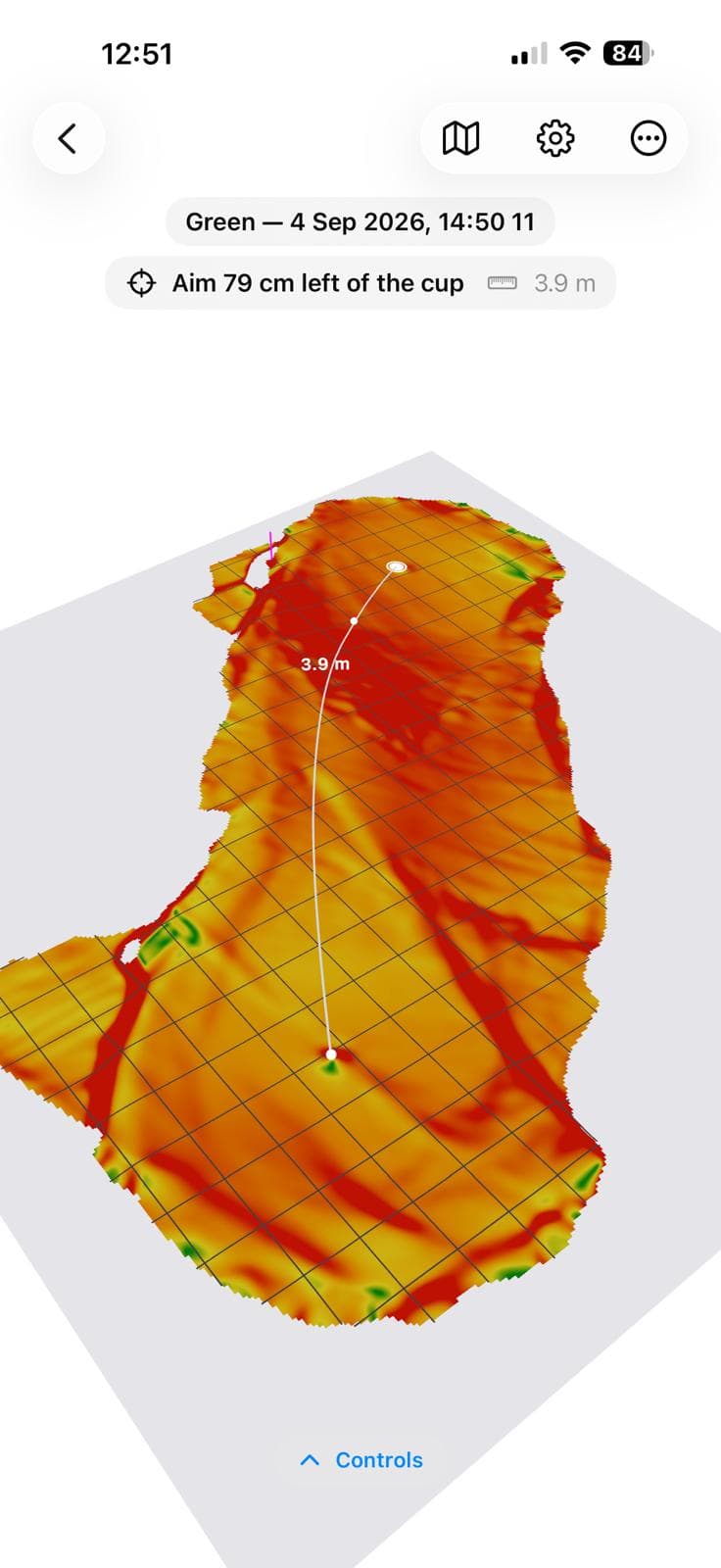
Every 1.5 cm cell averages a hundred-plus samples, which takes the sensor’s centimetre of noise down to about a millimetre. Slope is coloured, contours are drawn every centimetre, and the real green outline sits underneath as a level reference.
03
Get the line
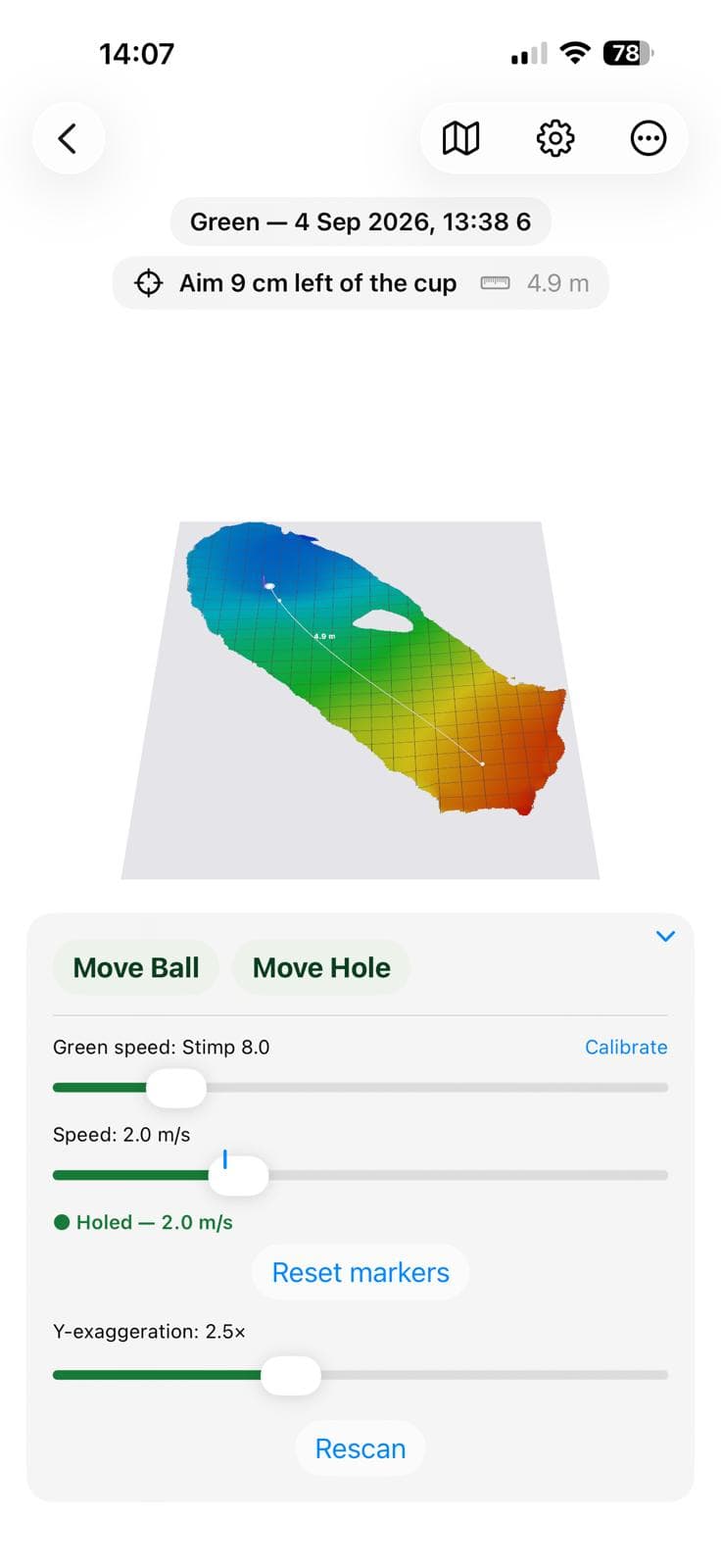
A ball is rolled over the measured surface in simulation. Pick a speed; the aim re-solves live and tells you in centimetres how far outside the cup to start it.
Try it here
The app’s physics, in your browser.
This green is drawn the way the app draws it, slope colours and contours included, and the putt is solved by the same code that runs on the phone. Drag the ball, change the speed, and watch the aim re-solve.
Aim 41 cm right of the cup
4.4 mWhat you get
Everything a caddie would tell you. Measured.
No guessing from the low side, no plumb-bobbing. The green is a surface, the ball is a sphere, and the answer is a number in centimetres.
Slope colouring and contours
Green under half a percent through red at six. Contour lines every centimetre, bold every five, so a fast break is visible before you read a number.
A line for every speed
There is no single right putt. Slide the pace and watch the aim change; the app also shows the window of speeds that hole it.
Green speed you can trust
A one-minute guided calibration matches the simulation to a ball you just watched stop. Set Stimp once; it follows you to every green.
Ball and cup, found for you
The camera spots the ball and the cup during the scan and cross-checks them against the LiDAR distance. You confirm with a tap; nothing is placed without you.
Real course names and outlines
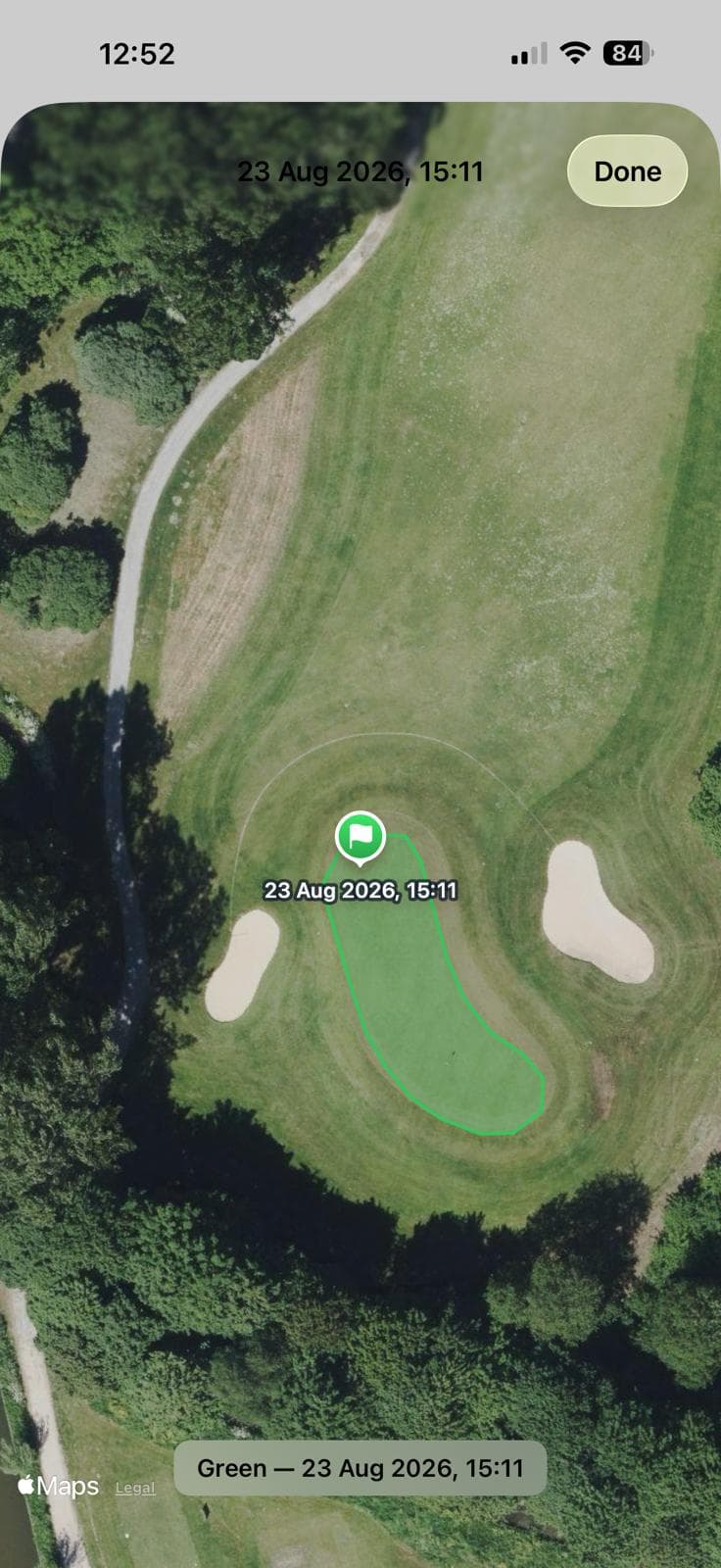
Save on a Dutch course and the scan names itself after the club and hole, with the true green outline drawn beneath the scan.
A library that grows
Scan the same green again and the new coverage merges into what you already have. Every saved green keeps a quality report: coverage, drift, verdict.
Spec sheet
The numbers, plainly.
A single LiDAR frame is only good to a centimetre. The trick is averaging, drift correction, and refusing to invent surface where none was seen.
How it is validated- Grid cell
- 1.5 cm
- Samples per cell
- 100 +
- Height noise after fusion
- ≈ 1 mm
- Smallest slope change resolved
- 0.5 %
- Depth frames fused
- 15 / s
- Scan length
- 45 – 75 s
- Contour interval
- 1 cm · bold 5 cm
- Green speed range
- Stimp 7 – 13 ft
- Physics
- Rolling ball · 1 000 steps/s
- Cup capture
- 5.4 cm · lips out when firm
Course coverage · Netherlands
Is your course mapped?
200 courses with 3,558 greens are in the database today, refreshed nightly from OpenStreetMap. Scans on those greens name themselves after the club and the hole.
Coming to the App Store
In field testing on Dutch greens now.
Leave your email for one message when GreenScanner reaches the App Store. Nothing else, ever.